
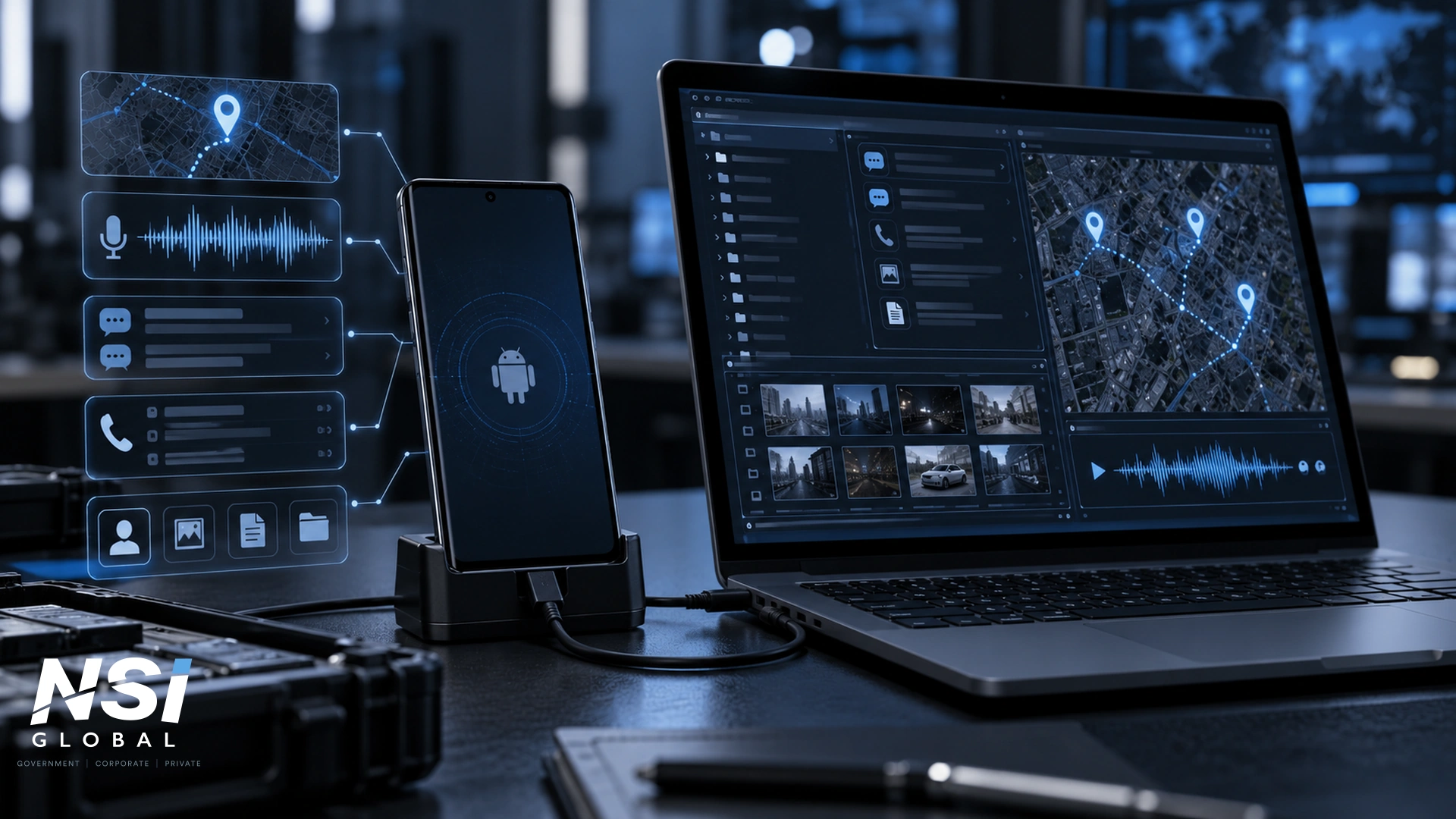
What a 2022 Android surveillance case still teaches about mobile compromise, attribution and forensic evidence.
By Navid Sobbi, Founder and CEO, NSI Global
PUBLISHED: 5 April 2022 SUBSTANTIVELY UPDATED: 29 September 2026
An Android phone can become an effective surveillance platform without looking obviously compromised. A malicious application with access to the microphone, camera, location, messages and call records can expose far more than the contents of the handset: it can reveal where a person goes, who they communicate with and what is happening around the device.
The 2022 discovery of an Android spyware application known as Process Manager remains a useful example. The malware was not remarkable because it represented the most sophisticated mobile implant ever found. Its importance was the opposite: a relatively ordinary-looking application, once granted extensive permissions, could collect a broad set of personal data and transmit it to remote infrastructure.
The case also demonstrates two principles that still matter in 2026. First, technical attribution must be treated cautiously. Second, a suspected spyware incident should not be reduced to a consumer question of whether an unfamiliar app can simply be deleted. Where personal safety, corporate information, legal proceedings or investigative evidence may be involved, the device and its associated accounts may need to be treated as potential digital evidence.
The Process Manager Case: What Researchers Actually Found
Security researchers examining Android malware in 2022 identified a malicious APK using the name “Process Manager” and the package name com.remote.app. The application used a gear-shaped icon that could be mistaken for a legitimate Android system component. Once activated, it could remove its launcher icon and continue running in the background.
Reporting at the time linked the malware’s command-and-control infrastructure to an IP address that had previously appeared in research involving Turla, a Russia-linked cyber-espionage group. That infrastructure overlap did not establish that Turla operated this Android spyware. The researchers themselves cautioned that attribution was not possible, and aspects of the malware’s behaviour did not fit the profile expected of a sophisticated state espionage operation.
That distinction matters. Shared or reused infrastructure can create investigative leads, but an IP address, hosting provider, code similarity or historical association should not automatically be converted into a definitive statement about who controlled a particular intrusion. Good threat analysis separates what is directly observed from what is inferred.
What Could the Android Spyware Access?
Process Manager requested a large group of Android permissions. Contemporary reporting and advisories described capabilities that included access to device location, contacts, call records, SMS, external storage, the camera and microphone. The malware could also remain active after startup and send collected information to remote infrastructure.
Those permissions illustrate why mobile spyware can be so intrusive. Depending on the Android version, privileges obtained and the malware’s implementation, a compromised device may expose:
- Location information that can help reconstruct where the device has travelled.
- Microphone access capable of capturing audio from the device environment.
- Camera access for photographs or video where the required permissions and technical conditions are met.
- SMS, call-log and contact information.
- Files, photographs, application data and other material stored on the handset.
- Device information, network information and system events that can assist continued monitoring or command-and-control activity.
The Process Manager case therefore remains useful not because its specific code is current, but because it demonstrates the surveillance value of a mobile device after an attacker obtains sufficiently broad access.
Android Spyware Did Not Stop Evolving in 2022
The mobile surveillance problem has continued to develop. Google Threat Intelligence Group reported in March 2026 that it tracked 15 mobile-related zero-day vulnerabilities exploited in the wild during 2025, up from nine in 2024. Its review also reported continued activity by commercial surveillance vendors and their customers against mobile and browser platforms.
That does not mean every suspected compromise involves a zero-day exploit or a commercial spyware platform. Many real-world incidents are far less sophisticated and may begin with social engineering, a malicious application, credential theft, a linked session, physical access to an unlocked device or misuse of legitimate administration and monitoring functionality.
For an investigator, the important question is therefore not whether a case looks like a famous spyware brand. It is which surveillance pathways are technically credible for the facts presented, and what evidence may still exist across the device, cloud accounts, linked services and network records.
Can Android Spyware Activate the Microphone?
Yes. An Android application that obtains the necessary microphone permission can record audio, and malware may attempt to exploit that capability for surveillance. The precise behaviour depends on the operating-system version, application privileges, security controls and the technical method used by the malware.
On Android 12 and later, the operating system provides privacy indicators when applications access the microphone or camera. Google also provides a Privacy Dashboard that allows users to review recent access to sensitive permissions. These controls are valuable, but they should be interpreted as security information rather than as a complete forensic examination.
Can Android Spyware Track Your Location?
Yes. Applications with authorised or improperly obtained location access can collect location information. A malicious operator may use that information to infer routines, travel patterns, meetings or frequently visited places.
Location exposure can also occur without traditional spyware. Google account access, family-location functions, mapping services, shared credentials, connected vehicles, trackers and other cloud-based services can create separate monitoring pathways. A device-only examination may therefore be too narrow if the reported behaviour points to account or ecosystem access.
Can Spyware Read Text Messages or Contacts?
It can, where the malware has obtained the relevant permissions or achieved a level of access that enables the data to be collected. The 2022 Process Manager reports described access to SMS, contacts and call logs among the permissions and data types of concern.
Modern messaging investigations are more complex than examining SMS alone. Relevant evidence may be distributed across application databases, notifications, cloud backups, linked devices, account sessions and provider-side records. Encryption can protect message content in transit while the endpoint itself remains a target for compromise.
Does the Green Camera or Microphone Indicator Mean You Have Spyware?
No. On supported Android versions, a green privacy indicator shows that an application or service is using the camera or microphone. Legitimate functions such as calls, voice messages, video meetings and camera applications can cause it to appear.
An unexpected indicator is a reason to identify which application is accessing the sensor and review the relevant permissions. It is not, by itself, proof of malicious surveillance. A privacy indicator can be an investigative clue; it is not a finding of spyware.
Symptoms Are Not Evidence of Compromise
Battery drain, heat, unusual data use, crashes, pop-ups or a phone behaving differently can justify further assessment, but none of those symptoms proves that spyware is installed. They also have many ordinary explanations, including software updates, background synchronisation, battery ageing, poor network coverage and legitimate applications.
The reverse is equally important: a phone that appears to operate normally cannot automatically be declared free from surveillance. Some monitoring leaves limited visible signs, and some surveillance occurs through accounts or connected services rather than through a malicious application installed on the handset.
For practical prevention guidance, see NSI Global’s How To Protect Your Android Phone From Spyware. For a broader evidence-preservation and safety discussion, see The Imminent Monitor Case: Spyware, Technology-Facilitated Abuse and Evidence Preservation.
Suspected Spyware May Be Digital Evidence
If a compromised phone may be relevant to litigation, an internal investigation, criminal reporting, regulatory action or another formal process, immediately uninstalling applications or factory-resetting the device can create a second problem: the action may alter or destroy information needed to establish what happened.
Consumer security tools have a different purpose from forensic preservation. A routine scan may be useful for general device hygiene, but it is not the same as preserving and examining a device under documented evidentiary controls. Repeated self-testing, clean-up utilities, operating-system resets and undocumented repairs can change files, timestamps, logs and other artefacts.
Where evidence matters, early decisions should consider both security and preservation. In some cases, rapid containment is the priority. In others, preserving the device state and obtaining authorised forensic advice before making changes is more appropriate. There is no single response that fits every spyware allegation.
What an Authorised Forensic Examination May Assess
A proportionate Android spyware investigation should begin by defining the lawful authority, the question to be answered and the relevant time period. Depending on scope, available data and the device state, an examination may assess:
- Installed applications, package information, permissions and relevant security settings.
- System and application artefacts that may indicate installation, execution, persistence or unusual activity.
- Network-related artefacts and indicators of communication with suspicious infrastructure where available.
- Application databases, notifications, logs, metadata and other records relevant to the reported conduct.
- Account sessions, cloud access, recovery settings, linked devices and other off-device pathways where authorised.
- Chronology across multiple artefacts to determine whether independent records support or contradict the reported timeline.
The objective is not simply to produce a yes-or-no malware scan. A useful forensic investigation distinguishes observed facts from technical inference, records the methods used and explains limitations that affect the strength of any conclusion.
What a Forensic Examination Cannot Guarantee
No responsible examiner should promise that every historic surveillance event can be detected or that every malicious operator can be identified. Evidence may have been overwritten, encrypted, deleted, retained only by a service provider or located on another device or account outside the examination scope.
A negative result means no reportable indicator was identified within the agreed scope, methods and available evidence. It does not prove that monitoring never occurred. Likewise, the discovery of an artefact associated with a particular account or application does not automatically establish who was physically responsible for using it.
How NSI Global Supports Authorised Android Spyware Investigations
NSI Global’s Forensic Spyware and Malware Detection capability is designed for authorised matters involving suspected spyware, malware, remote access, interception and persistence mechanisms. Where a matter extends beyond a single handset, NSI Global’s Digital Forensics and Digital Evidence Services can support evidence preservation and analysis across mobile devices, computers, cloud accounts and other relevant digital sources.
NSI Global’s published digital-forensic methodology includes forensic acquisition, cryptographic hashing, documented chain of custody and expert reporting for matters that may require legal, regulatory or investigative scrutiny. Engagements are subject to lawful authority, conflict checks, scope and appropriate instruction pathways.
If a device is suspected of compromise and the findings may be needed as evidence, avoid unnecessary changes to the handset before obtaining appropriate advice. Where personal safety is involved, safety takes priority over evidence preservation and communications should be made from a trusted device or environment where practicable.
Frequently Asked Questions
Can Android Spyware Record Conversations?
Potentially. Malware that gains sufficient microphone access may capture ambient audio or other sound available to the device. Whether a particular implant can do so must be established from the malware, permissions, operating-system controls and available forensic evidence.
Can Android Spyware Operate Without an App Icon?
Yes. Malicious software may hide or remove a launcher icon while continuing to execute as a background process or service. The 2022 Process Manager case was reported to remove its launcher icon after activation, although it also displayed an ongoing notification.
Should I Delete a Suspicious App Immediately?
Not automatically if the device may be evidence. Removal can alter artefacts and may alert an operator. Where there is no evidentiary or safety issue, normal security remediation may be appropriate; where legal, investigative or personal-safety concerns exist, obtain appropriate advice before making unnecessary changes.
Can a Clean Antivirus Scan Prove the Phone Was Never Monitored?
No. A scan result is limited by what the tool can detect, the device state and the data available at the time. Monitoring may also occur through compromised accounts, linked sessions or other services rather than through malware detectable on the handset.
Sources and Further Reading
-
-
- Google Android Help – Check if your Android camera or microphone is on or off
- Google Android Help – Manage permissions from the Privacy Dashboard
- Android Open Source Project – Android 12 Privacy Indicators
- Google Threat Intelligence Group – 2025 Zero-Days in Review (published 5 March 2026)
- Guyana National CIRT (CIRT.GY) – New Android Spyware Discovered, 4 April 2022
-